

Suppose you’re writing an article about checking the weather before leaving home. You mention a weather website where readers can find the forecast. If you’re talking about the website itself, linking its name makes sense. But if you’re helping readers check whether it will rain tomorrow, linking the words “tomorrow’s weather forecast” may be more useful.
The difference comes down to what you’re trying to tell the reader. One link identifies the website, while the other points to specific information.
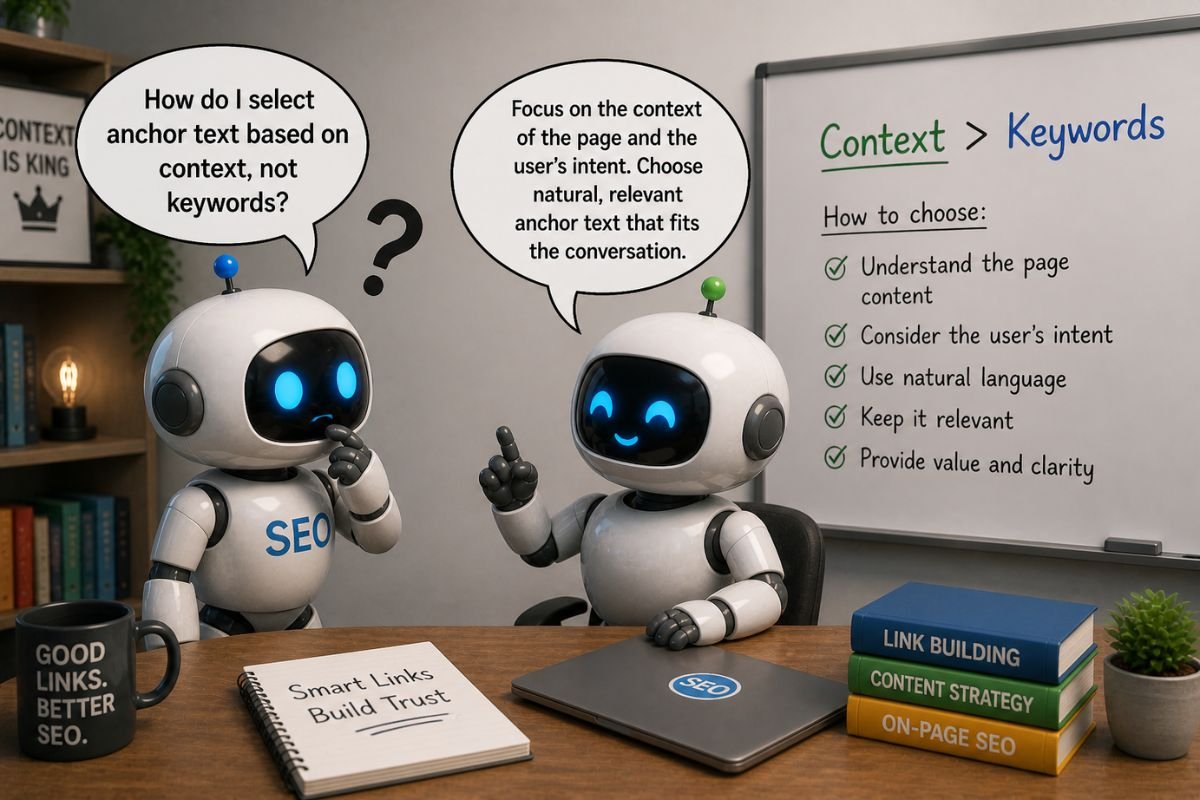
This is why selecting anchor text based on context matters. The clickable words should fit naturally into the sentence, help readers understand what they’ll find, and lead to a page that provides the information they’re expecting.
Start With What the Sentence Is Saying
A common mistake is choosing a keyword before writing the sentence that will contain the link.
Suppose you’ve already decided to use the words “best backlink analysis tools.” You might build an entire sentence around that phrase, even when a simpler explanation would work better.
Instead, start with what you want to explain. If you’re discussing software that helps website owners examine links pointing to their sites, and you’re linking to a page comparing those programs, “backlink analysis tools” may already be a clear and natural choice.
The words around a link help establish its anchor text context, but they shouldn’t have to accommodate a phrase chosen in advance. Repeatedly forcing the same wording into different articles can also contribute to predictable anchor patterns.
The aim isn’t to avoid keywords. It’s to choose words that belong in the explanation you’re already giving.
Should You Name the Source or Describe the Subject?
Sometimes a sentence offers two reasonable choices, and the difference depends on what readers need to know.
Suppose a clothing store publishes a guide explaining how to clean a leather jacket. If your article introduces the store, linking its name to the store’s website may make sense. But if you’re explaining how to clean leather, a link to the actual care guide would be more useful.
The distinction becomes easier to see when you compare the two approaches:
| Branded Anchor Text | Keyword-Based or Descriptive Anchor Text | |
|---|---|---|
| What it emphasizes | Who provides the information | What information readers can find |
| When it fits | When introducing a company, website, or source | When discussing a specific subject or resource |
| Example | The clothing store’s name | “How to clean a leather jacket” |
| Expected destination | The store’s website or relevant company page | The specific leather care guide |
Neither approach is automatically better. The most helpful choice is the one that matches what the sentence is explaining and what readers expect to find when they click.
Make Sure the Anchor Describes the Destination
Words can fit naturally into a sentence without accurately describing the page behind the link.
For example, an article about removing coffee stains might contain the phrase “how to remove a coffee stain.” Linking those words to a page that only sells laundry detergent would be misleading if readers expect instructions.
The problem isn’t the grammar or the keyword. It’s the difference between what the link promises and what the destination provides.
An anchor such as “closer attention” presents a different problem. It might fit smoothly into a sentence about examining backlinks, but it gives readers little information about the page they’ll open.
Useful anchor text should therefore be specific enough to identify the destination without becoming unnecessarily long. Google’s link best practices likewise recommend descriptive, reasonably concise wording that relates to both pages.
What If a Keyword Already Fits Naturally?
There’s no reason to replace a clear keyword with vague wording simply because it’s a keyword.
Consider this sentence:
“One way to examine the links pointing to your website is to perform a backlink audit.”
If the destination explains how to conduct that audit, “backlink audit” is a useful anchor. It describes what the reader will find and already belongs naturally in the sentence.
The same principle applies to longer phrases. Including several variations of a keyword in one link doesn’t necessarily make the destination clearer. If the words become awkward or repetitive, a shorter description may communicate the subject more effectively.
The important distinction is whether the phrase helps readers understand the destination or has been added mainly to accommodate an SEO keyword.
Check the Link Before Publishing
Once you’ve chosen the anchor, read the sentence again with the link in place.
First, consider whether the clickable words give readers a reasonable idea of where they’re going. Then open the destination and check whether it actually provides that information.
Finally, read the sentence without treating the link as anything special. Does it still sound like something you would naturally write, or have extra words been added just to accommodate the anchor?
There’s no need to introduce a subject in a separate sentence before linking to it. A clear link can introduce the subject or appear later in the explanation, as long as readers understand what it offers.
If the sentence reads naturally, the anchor is clear, and the destination delivers what readers expect, there may be nothing to change. But if the link doesn’t help readers with what you’re explaining, there’s no reason to include it at all.
Selecting anchor text based on context doesn’t require a complicated formula. It requires paying attention to what you’re explaining, what readers need next, and whether the link genuinely helps them get there.